
On a six-panel cap, “centre the logo” can refer to the whole front or to one front panel. The centre seam makes that distinction visible. A marked cap view, finished dimensions and a clear location reference help the supplier develop the position you actually intend.
Use the 6-Panel Cap Buying Guide for the complete product brief. This article focuses on choosing and documenting the front-logo position for custom logo six-panel caps.
Choose the placement reference before approving the mockup
Start with the selected six-panel front layout. Show the centre seam, visor connection and relevant panel boundaries. Identify whether the graphic is intended to cross the seam, sit within one panel or occupy another marked position.
Give the location a reference that can be carried into the sample comments. A visual arrow can communicate direction, while defined measurement points identify the requested position. Keep units and finished graphic dimensions beside that reference.
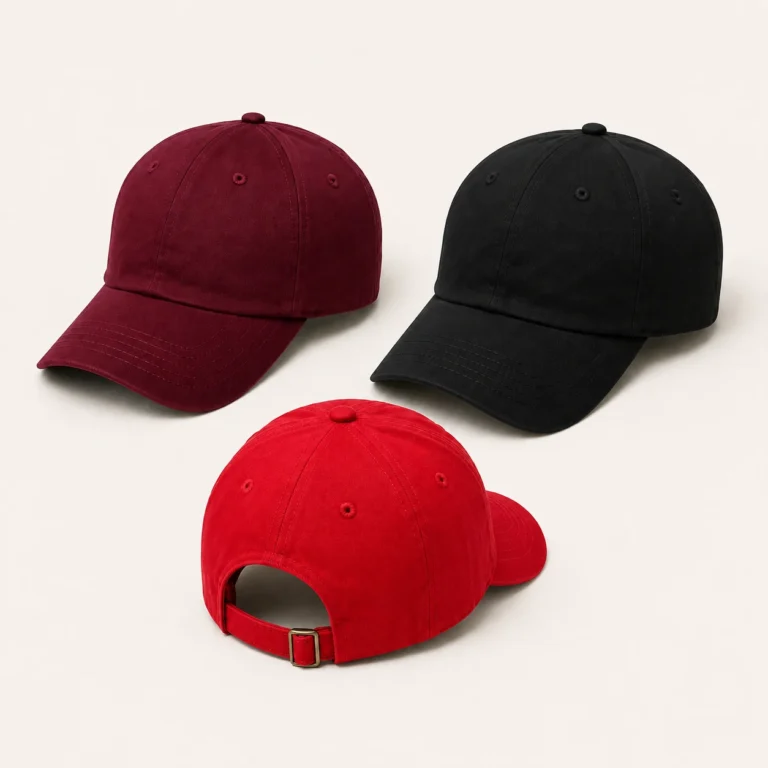
Compare centred and offset proposals at the intended size
A centred wordmark and a compact mark placed within one panel can give different visual results. Review the proposed dimensions on the cap layout rather than choosing a position from an enlarged graphic alone. Keep each alternative identifiable while the design is being decided.
If a badge or patch is proposed, include its complete outline and intended attachment position. Review how it sits on the selected front construction. The cap sample should show the applied component, including its relationship to the seam and surrounding panel.
| Proposal | Reference to make explicit |
|---|---|
| Mark centred across the front | Whole-front centre, finished dimensions and position relative to the visor |
| Mark within one front panel | Named panel and location relative to its relevant seams or edges |
| Badge or patch | Complete outline, attachment proposal and marked front location |
Release the artwork and position as one version
Send the artwork in the production format requested by the supplier, together with a readable visual proof. Identify the file revision, colours, method and finished dimensions. Connect it to the marked cap view and the items that will use it.
If the logo is resized or moved, identify both changes. A new file with the same informal name can leave two apparently current instructions in circulation. Keep the replacement version and the approval decision together.
Review the applied result on the actual front
The application sample should identify the selected material, cap construction and artwork version. Review the visible placement, graphic details and surrounding fabric. Include the inside result or attachment where relevant to the method.
For embroidery support, Madeira’s backing guidance is a useful technical reference. The proposed support and design still need to be reviewed on the cap being developed. A position mockup and an applied trial answer different approval questions.
Use the six-panel sample planning checklist to keep temporary components visible. If a trial uses another fabric or an early crown version, state what remains to be confirmed on the final combination.
Check the logo in the agreed wearing setup
Compare a whole-cap front view with the close-up used to review detail. Look at the cap in the intended wearing or display setup and include a side view where it explains the placement. Keep the setup consistent between sample versions.
Write comments against the observed feature and controlling reference. If the artwork detail is accepted while the position needs revision, make both decisions clear. The next sample can then be assessed against a specific request.
Connect smaller marks and colourways to the same plan
Identify the logo treatment for each relevant colourway. A changed thread, print or badge colour needs a clear item scope. Review the graphic against its intended surroundings rather than extending the first sample approval without checking the changed combination.
The inside and outside branding map connects the front mark with side, rear and internal components. Keep those item references consistent with the artwork release.
Discuss the proposal through the Wenext six-panel cap product page. Send the current artwork, marked placement views and open application questions through Contact Wenext Caps.