
Custom embroidered snapback hats start with a design, but the approval decision happens on the stitched result. Lettering, outlines and raised areas need to work at the size and position intended for the cap. A clear artwork brief gives the sample team a useful starting point and makes corrections easier to describe.
Use this guide for direct embroidery. For the full cap construction, fit and packing brief, start with the Snapback Cap Buying Guide.
Send an original file and a readable preview
Provide the editable or vector artwork where available, along with a preview that shows the intended appearance. Give the file a revision name and state the proposed finished width and height. Identify the parts that matter most to the brand, such as a small word, a fine outline or a particular gap between letters.
Keep the artwork and embroidery-program review connected. If a detail needs adjustment for stitching, record the proposed change and approve the updated appearance. A readable file name helps prevent an old graphic from being paired with a new sample instruction.
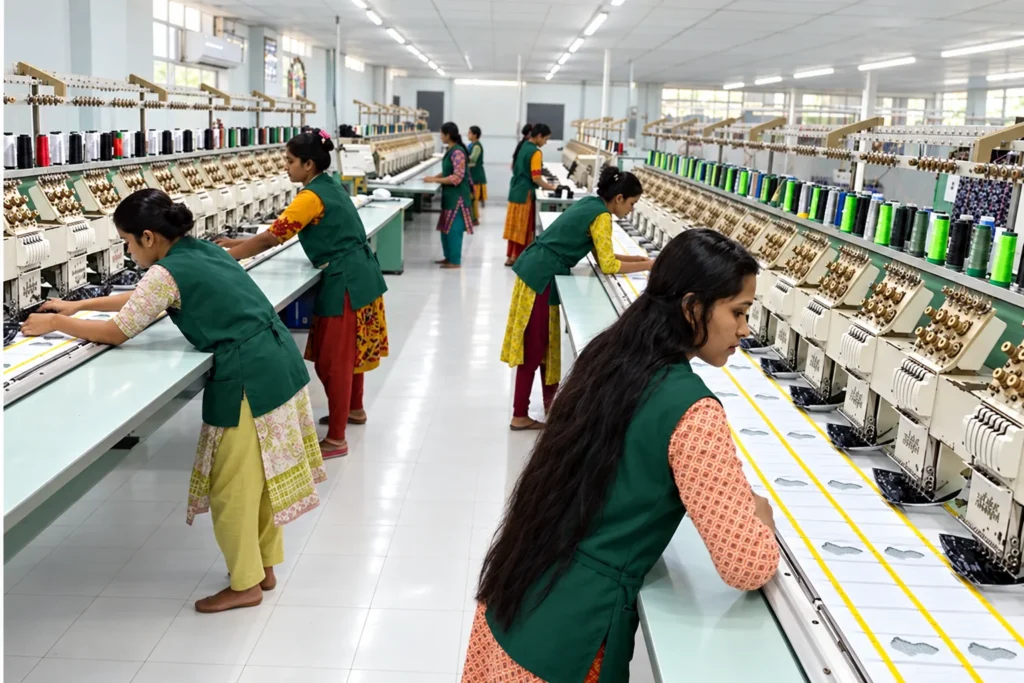
Set the placement against the actual front panel
Show the logo position on a front view and define the reference points used to measure it. Include the finished size and any side or rear placements separately. Check the proposed graphic against the usable area, panel seams and crown curve.
A center seam can pass through a letter or outline, so make that relationship visible during review. If the panel layout is still undecided, compare the construction and logo together. The crown profile guide helps distinguish front shape, depth and support when discussing that choice.
Review flat and raised details at their finished size
Mark which parts of the artwork should sit flat and which should appear raised. Ask the embroidery team to review the proposed letterforms, narrow areas and openings at the actual size. A small outlined word that loses its gaps may need a different scale or a simpler treatment.
Madeira’s backing guide describes cap stabilization and foam for raised embroidery, including the need to digitize designs for the 3D method. Review the proposed setup through a stitch trial on the intended material and cap construction.
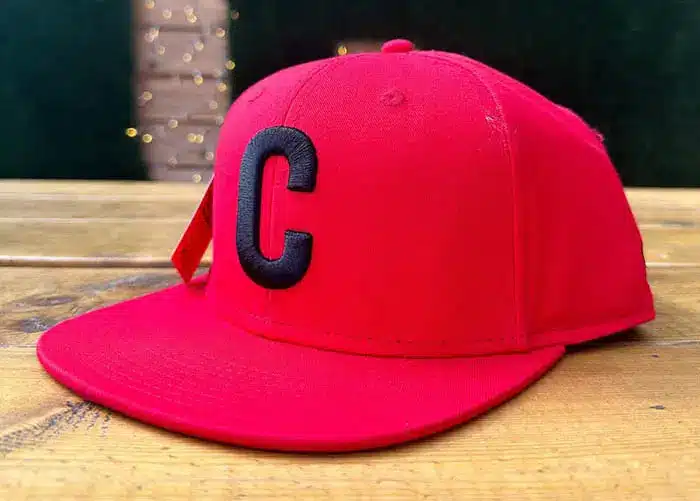
Check the stitching and the surrounding fabric
View the sample from the front and at an angle. Check letter openings, edges, outlines and the alignment of different colors. Look at the fabric around the design for unwanted pulling or distortion, then review the inside finish and how the cap feels when worn.
Make the observation specific. “The small word is difficult to read at this size” gives a clearer starting point than “improve the logo.” If the placement is accepted but an outline needs correction, record both decisions so the next trial addresses the right detail.
Use a stitch-sample approval sheet
| Check | What to compare with the brief |
|---|---|
| Artwork identity | Current file revision and the graphic represented by the sample. |
| Size and position | Finished dimensions, measured placement and relationship to seams. |
| Lettering and edges | Legibility, open spaces, outlines and shape of raised details. |
| Color registration | Alignment of stitched colors and their contrast against the cap. |
| Fabric appearance | Front-panel shape and any pulling or distortion around the design. |
| Inside finish | Loose ends, backing finish and wearer comfort at the decorated area. |
| Approval decision | Accepted details, requested changes and the next sample revision. |
Review thread colors across the cap colorways
List the thread reference for each stitched color and each cap version. Check the result against the intended background, especially when one logo is shared across light and dark crowns. A color that reads clearly on one cap may need another review on a different fabric.
Keep any color variation in the artwork schedule so the packing team can distinguish the versions later. The OEM snapback technical-file guide shows how to connect those references with the material list and current sample.
Approve changes with a retained reference
Give the accepted stitch sample and finished cap a clear revision reference. Record whether the approval covers only decoration or also the cap construction, materials and trims. If the fabric or front support changes, ask which embroidery checks need to be repeated.
For an initial enquiry, the custom snapback design brief helps organize the files, quantities and open choices. Keep the accepted artwork and sample comments with that current project record.
Common embroidery questions
Can small lettering be embroidered exactly as it appears on screen?
Have the artwork reviewed at its intended finished size. A stitch sample will show whether the lettering and gaps remain readable and which adjustments need discussion.
Does raised embroidery use the same preparation as flat embroidery?
The proposed raised method needs its own design and digitizing review. Identify the raised areas and approve the result on the intended fabric and cap construction.
Can one embroidery approval cover every cap color?
Identify the versions it represents. Check thread references, contrast and any material differences across the colorways before treating the full range as approved.
Prepare your embroidered snapback brief
Review the main snapback cap product page, then send Wenext Caps your artwork and cap reference. Include finished dimensions, placement, flat or raised areas, colorways and proposed quantities so the sample review can address the actual design.